SONIVA · A LOCAL LIBRARY THAT USES AI
Finding the file is the easy part.
Your files stay on your own disk, and the AI lives right on top of them — read a PDF aloud, ask a question about it, translate a passage. No exporting, no copy-paste, no switching apps.
Free download · macOS (Apple silicon & Intel)


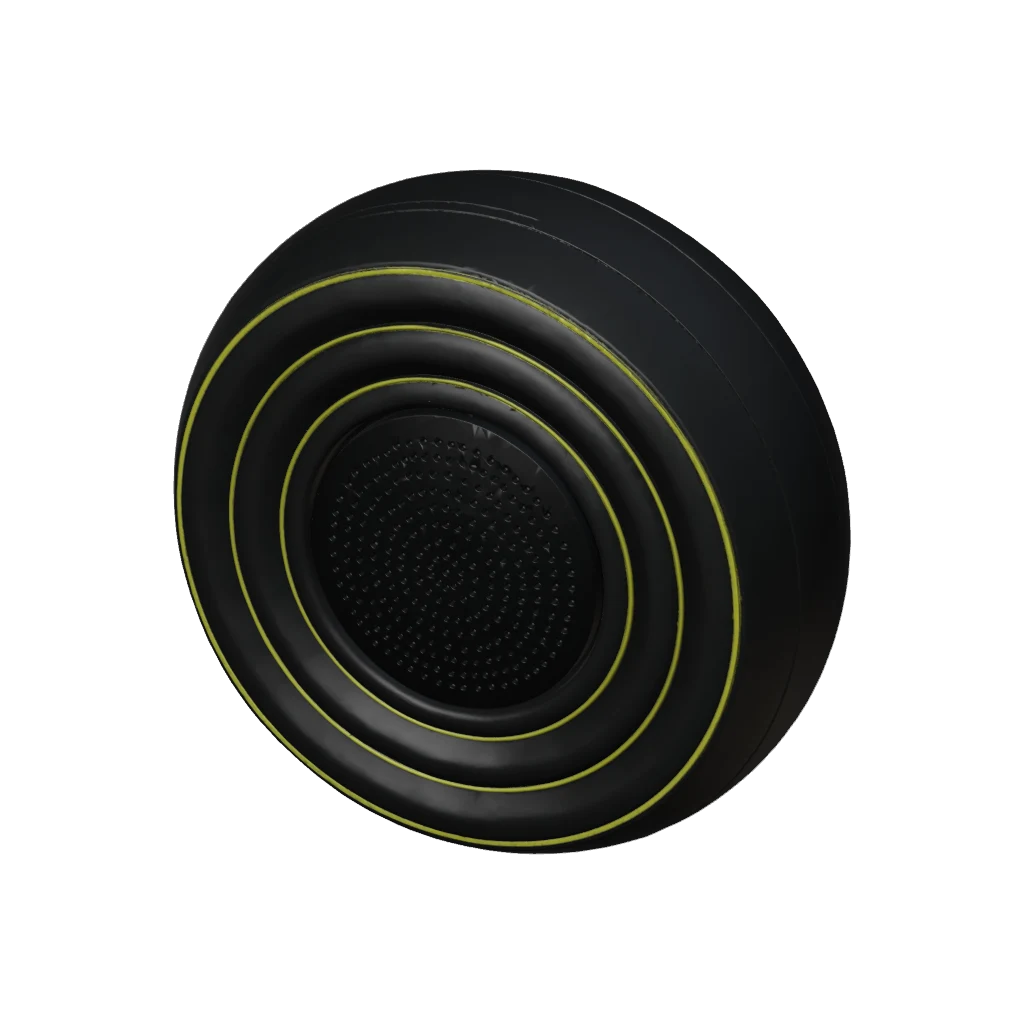
speaker.glb


microphone.webp


books.webp


cards.webp
02One library. More than one way to use it.
Stored locally
Spacebar preview
Read · Ask · Translate
Cloud AI voice brands
 Alibaba Cloud Bailian
 Doubao Voice
 MiniMax
 Tencent Cloud
 Baidu AI Cloud
 ElevenLabs
 Microsoft Azure
 Cartesia
System voices + translation engines
 Apple
 Google
 DeepSeek
Names shown are trademarks of their respective owners. Soniva does not imply commercial partnership or endorsement.
03After you find it
Other libraries help you find files. Soniva starts with what happens next.
You found the file. Now what?
- Find the file
- Export
- Open another app
- Copy and paste
Keep going, right in your library.
- Find the file
- Read it · Ask about it · Translate it
04AI, on top of your library
Select it. Use it.
Read PDFs, ebooks, and Markdown aloud, with sentence highlighting and a place to resume. Select a passage to ask a question or translate it.
See how it works- Listen to it
- Ask about the file
- Translate a passage
05Collect it. Find it again.
Drop it in. Keep it together.
Import a batch and see what's in each file. Identical content is stored once. If the name slips your mind, search for a sentence inside.
Open Help Center- 01Drop in files
- 02Deduplicate by content
- 03Add tags
- 04Search a sentence inside
And once it's installed, there's more—
- Canvas
- Board
- Polar Tree
- Calendar
- Word Cards
- Clipboard
- Voice Input
- Passwords
- CLC
07Local first
Your files stay in your hands.
01
A library on your own disk
In the folder you choose. Uninstalling the app doesn't delete it.
02
Deleted isn't gone
Deleted files go to the library's trash first.
03
Cloud AI receives the content you choose
Sent to your selected provider. System and local voices don't send text through cloud AI.
08Who it's for
Start with something you already do.
01People who collect
Put what you've saved to use.
A disk full of things you never reopen.
02Readers and language learners
Select a passage to hear or translate it.
Tired eyes. Unfamiliar words.
03People who work with AI
Save conversations to your library. Pick them up later.
Useful answers scattered across web chats.
09About pricing
Download for free. Know the costs before you use them.
Credits, subscriptions, and bring-your-own-key rules share one source: the Help Center's billing documentation.
10Before you download